Understanding the Importance of Office Chair Selection for Multiple Users
Purchasing an office chair that will be shared by multiple users is a significant decision that impacts comfort, productivity, and health. The misconception that a one-size-fits-all chair can accommodate everyone often leads to discomfort and dissatisfaction. Understanding the specific needs of a diverse group of users is crucial to make an informed choice. This guide will help you navigate common pitfalls and misconceptions about adjustability and customization, ensuring you select an ergonomic office chair that suits a variety of users.
Common Misconceptions About Adjustability and Customization
One of the biggest misconceptions when buying an office chair for multiple users is that all chairs with adjustable features will automatically fit everyone. However, not all adjustable office chairs are created equal. The extent of adjustability and the range of customization options can vary significantly. Here are key aspects to consider:
- Seat Height Range: Ensure the chair has a wide seat height range to accommodate both short and tall users. A seat height that adjusts too narrowly can lead to discomfort for those on either end of the spectrum.
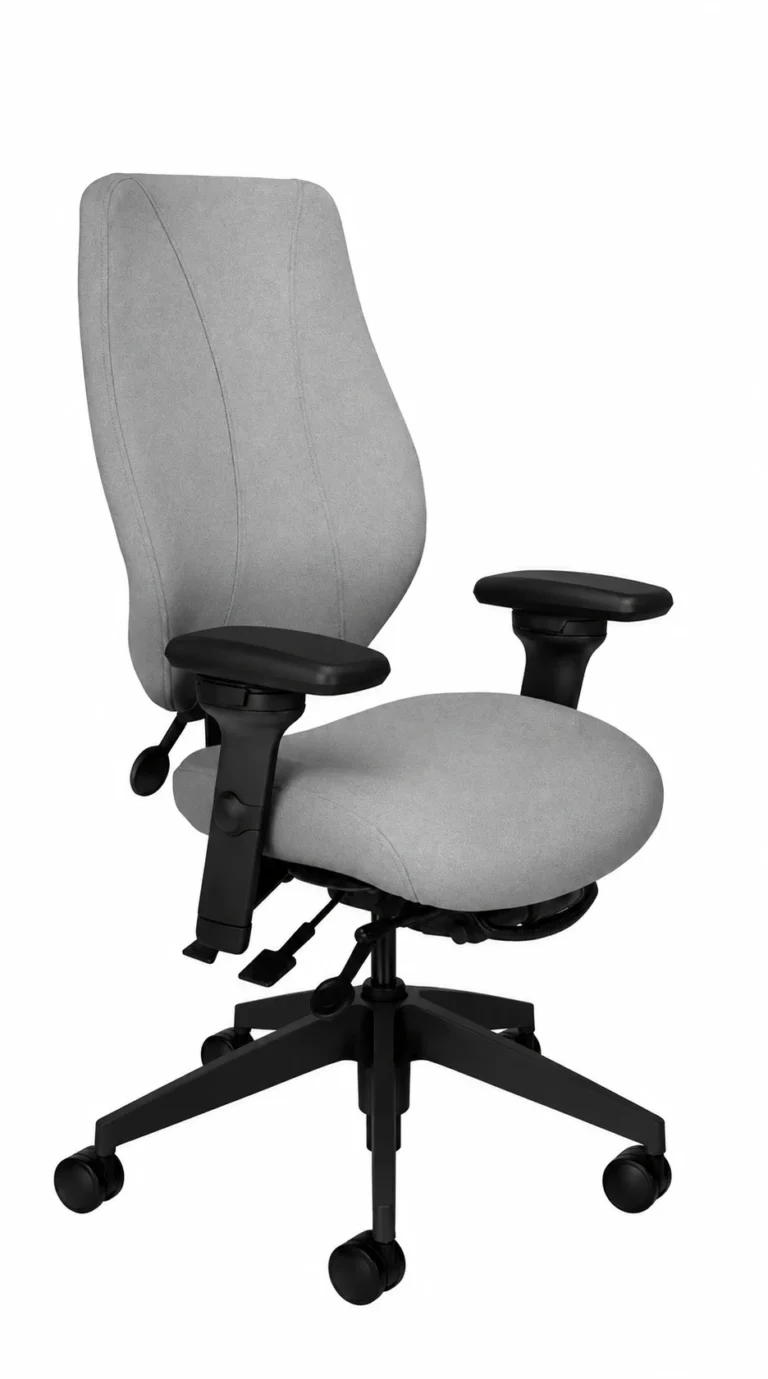
- Seat Depth and Width: An adjustable seat depth is crucial for supporting different leg lengths. Similarly, the seat width should be generous enough to fit larger users while still accommodating smaller individuals comfortably.
- Lumbar Support: Adjustable lumbar support is essential. It should be able to move up and down, and in and out, to fit the natural curve of each user’s spine.
- Armrest Adjustability: Look for office chairs with adjustable armrests that can move in multiple directions such as height, width, and angle.
- Recline Mechanism: A multi-lock recline mechanism allows different users to set the backrest to a comfortable angle for their posture.
Why Many Office Chairs Fail to Meet Diverse Needs
Despite the availability of adjustable features, many office chairs are ill-equipped to handle the needs of various users due to limited adjustability ranges or poor design. This often stems from common design oversights:
- Weight Capacity: A chair with a weight capacity that doesn’t cater to heavier users can be both a safety hazard and a source of discomfort. Consider options like the big and tall office chair for higher weight capacities.
- Material Consistency: Mesh office chairs may offer breathability, but they might not provide the same support as upholstered office chairs.
- Inadequate Seat Cushioning: Poor cushioning can lead to discomfort over long periods, as explored in the reasons office chairs become uncomfortable.
Specifications that Matter for Shared Office Chairs
Selecting the right chair involves understanding specific dimensions and specifications that can accommodate a broad user base. Here’s what to prioritize:
- Seat Width and Depth: A wide office chair with an adjustable seat depth can cater to both petite and larger users, providing adequate thigh support without cutting off circulation.
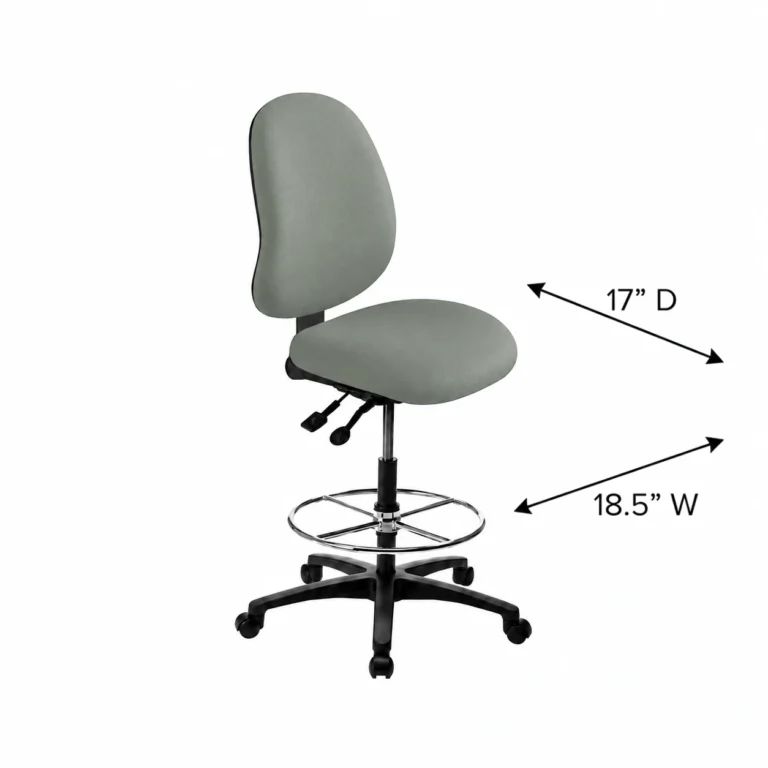
- Height Adjustment Mechanism: A pneumatic lift with a broad height range is crucial for accommodating short and tall users alike. Check the office chair dimensions that suit your needs.
- Backrest Adjustability: A high-back office chair may be ideal for taller individuals, while others may prefer a mid-back option. Ensure the backrest can tilt and lock in multiple positions.
- Armrest Versatility: Adjustable armrests that can rotate and move in all directions are vital for maintaining ergonomic positioning.
The Role of Ergonomics in Multi-User Office Chairs
Ergonomics plays a pivotal role in selecting office chairs for multiple users. Properly designed ergonomic chairs can reduce the risk of discomfort and injury. Some considerations include:
- Dynamic Support: Ergonomic chairs should provide dynamic support that adapts to the user’s movements and postures.
- Adjustable Lumbar Support: Effective lumbar support that can be customized to each user’s spine curvature is crucial.
- Recline and Tension Adjustments: These features allow users to lean back comfortably without straining their back muscles.
For more insights into what constitutes an ergonomic chair, visit what makes an office chair truly ergonomic.
Practical Tips for Selecting the Right Office Chair
When shopping for an office chair that will be used by multiple people, consider the following practical tips:
- Test Adjustability: Evaluate the full range of adjustable features. Ensure each adjustment is easy to operate and holds its position.
- Evaluate Build Quality: Look for durable materials that can withstand frequent use. Quality construction is essential for longevity.
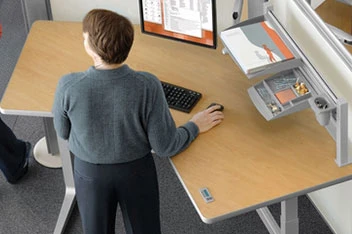
- Ensure Compatibility with Desks: Make sure the chair’s height and armrests fit comfortably under shared desks, especially if using a height-adjustable desk.
- Consider User Feedback: Gather input from potential users to understand their preferences and needs.
Additional strategies for ensuring optimal chair mobility and adjustment can be found on Active Ergonomics’ chair mobility and adjustment page.
Conclusion
Choosing an office chair for multiple users requires careful consideration of adjustability, dimensions, and ergonomic features. Avoiding common mistakes and misconceptions will lead to a more comfortable and productive workspace. Explore Active Ergonomics®’s range of ergonomic office chairs to find the perfect fit for your team. Visit our website for more resources or to contact us for personalized assistance in selecting the right chair.