The word “ergonomic” appears on countless office chairs, from inexpensive task chairs to premium executive seating. However, the label does not guarantee that a chair will fit your body, support your work, or help you maintain comfortable positions throughout the day.
A truly ergonomic office chair is not defined by one feature, such as lumbar support or a thick seat cushion. It is defined by how effectively the chair can be adjusted to fit the person using it and how well it functions with the rest of the workstation.
Since 1997, Active Ergonomics® has completed more than 8,000 professional ergonomic assessments. These evaluations have demonstrated that effective seating depends on the relationship between the user’s body, the chair’s dimensions, the available adjustments, the workstation, and the employee’s daily tasks.
Before choosing an office chair, look beyond its marketing claims and consider the features that determine whether it can provide a genuinely ergonomic fit.
An Ergonomic Chair Must Fit the User
Proper fit is the foundation of ergonomic seating. A chair cannot support neutral working positions if it is too tall, too short, too deep, too shallow, too wide, or too narrow for the person using it.
This is why there is no single ergonomic chair that works equally well for everyone. Two people of the same height may have different leg lengths, torso lengths, shoulder widths, and weight distributions. Those differences affect where the seat, backrest, lumbar support, and armrests need to be positioned.
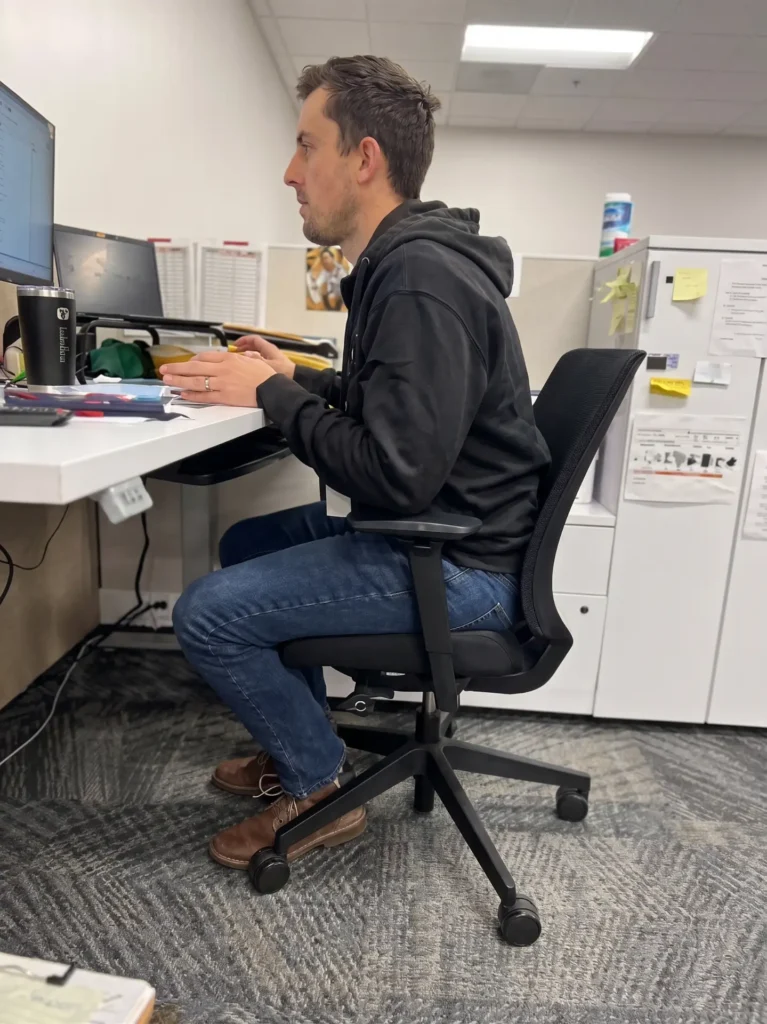
A well-fitted chair should allow the user to sit against the backrest while keeping the feet supported and avoiding pressure behind the knees. The armrests should accommodate the width of the user’s body without forcing the elbows outward. The chair should also be able to move close enough to the work surface that the user does not need to lean forward.
Active Ergonomics® offers office chairs for multiple body types, including small or petite, regular, large, XL, and big-and-tall options. These size categories make it easier to begin with chairs designed for the user’s general dimensions rather than expecting one model to fit an entire workforce.
Adjustable Seat Height
Seat-height adjustment is one of the most familiar ergonomic chair features, but the range of adjustment matters as much as the presence of the lever.
When the chair is positioned correctly, the user’s feet should be supported by the floor or a footrest. The chair should not create excessive pressure beneath the thighs, and the employee should be able to use the backrest without perching on the front edge of the seat.
If a chair does not lower enough for a petite user, the feet may dangle. If it does not rise high enough for a taller user, the knees may sit uncomfortably high and the thighs may lack support.
Seat height must also work with the desk. An employee may need to raise the chair to reach a fixed-height keyboard surface comfortably. In that situation, a footrest may be required. An ergonomic chair is part of a larger workstation system, so its height cannot be evaluated in isolation.
ActErgo’s chair-adjustment guidance provides additional information about positioning the chair in relation to common office tasks.
Appropriate Seat Depth
Seat depth is the distance between the backrest and the front edge of the seat. It affects whether the thighs are adequately supported and whether the employee can use the backrest without pressure behind the knees.
A seat that is too deep may cause the user to slide forward to avoid contact at the backs of the knees. Once the user moves away from the backrest, the chair’s lumbar support becomes far less useful. The employee may then lean forward, round the back, or rely on the desk for support.
A seat that is too shallow may leave too much of the thighs unsupported. This can make the chair feel too small even when its seat width and weight capacity appear appropriate.
Some ergonomic chairs offer an adjustable seat-depth mechanism, often called a seat slider. This feature allows the user to move the seat forward or backward. However, the chair’s adjustment range must still be suitable for the person. If the minimum depth is already too long—or the maximum depth is still too short—the adjustment cannot create a proper fit.
Supportive Seat Width
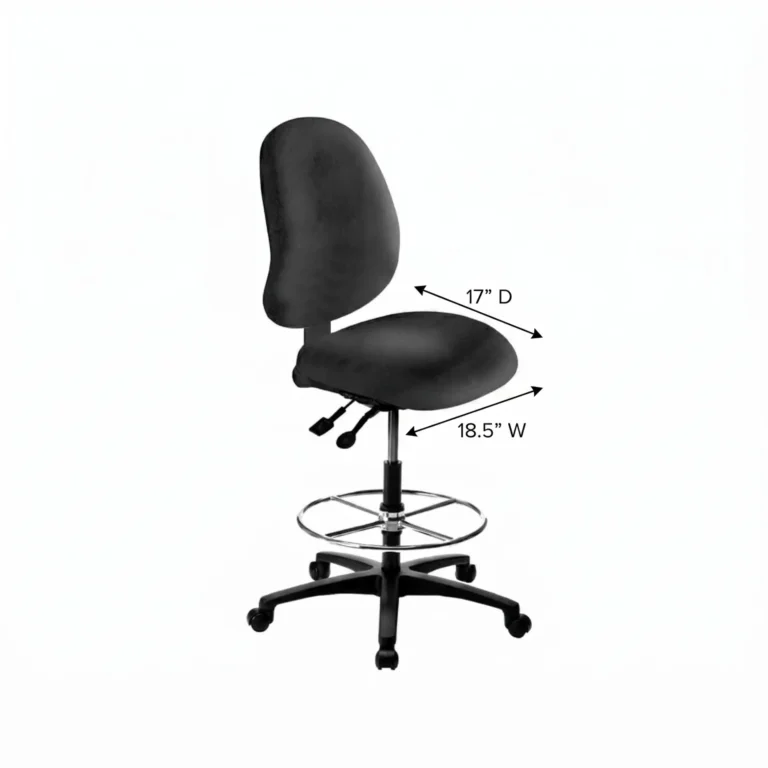
The seat should be wide enough to accommodate the user without creating pressure along the hips or thighs. It should also allow enough room for small posture changes throughout the day.
More width is not always better. A seat that is much wider than the user may place the armrests too far apart. This can encourage the user to reach outward, lean to one side, or stop using the armrests.
For larger users, usable seat width and the space between the armrests are especially important. Weight capacity alone does not indicate whether the seat will be comfortable. A chair can have a high capacity while still having a seat or armrest configuration that does not fit the person.
Active Ergonomics® evaluates seat dimensions together rather than treating height, width, depth, or capacity as a complete measure on its own.
Adjustable Back and Lumbar Support
The backrest should support the user’s spine without forcing the body into an uncomfortable shape. Effective support depends on the position, height, width, and contour of the backrest—not simply whether the product description mentions lumbar support.
If the lumbar curve is too high or too low, the user may not receive support where it is needed. This is one reason an oversized chair may not work well for a petite user and a short backrest may not suit a taller person.
Depending on the chair, useful adjustments may include:
- Backrest height
- Lumbar-support height
- Lumbar-support depth
- Recline tension
- Recline range
- Multiple locking positions
The user should be able to sit against the backrest without feeling pushed forward. The chair should also allow movement rather than holding the person in one rigid position.
A neutral working posture is not a perfectly fixed pose. It is a balanced position that minimizes unnecessary strain while allowing the user to move. Active Ergonomics® explains these fundamentals in its guide to neutral body positioning.
A Recline Mechanism That Supports Movement
An ergonomic chair should accommodate changes in posture throughout the workday. Remaining in any one position for too long can become tiring, even when the starting position is well supported.
A functional recline mechanism allows the user to lean back while maintaining contact with the backrest. Reclining periodically can shift pressure, open the angle at the hips, and provide a change from forward-focused computer work.
The tension should be appropriate for the user’s body weight. If the mechanism is too firm, a smaller user may struggle to recline. If it is too loose, the backrest may move too quickly or provide insufficient support for a larger user.
The ability to lock the chair in different positions may be helpful, but free movement is also important. The best configuration depends on the user’s preferences and tasks.
Adjustable Armrests
Armrests can support the upper body during pauses and certain tasks, but poorly positioned armrests can create new problems.
Armrests that are too high may elevate the shoulders. Armrests that are too low may encourage leaning. If they are too wide, the elbows move away from the body. If they are too long, they may prevent the chair from moving close to the desk.
A truly ergonomic chair often allows the armrests to adjust in several directions. Depending on the model, this may include:
- Height adjustment
- Width adjustment
- Front-to-back movement
- Inward or outward pivoting
The correct armrest configuration allows the shoulders to remain relaxed and the arms to stay comfortably near the body. It should also provide access to the keyboard and mouse without requiring the employee to reach forward.
Controls the User Can Operate
A chair may offer numerous adjustments, but those features provide little value if the controls are confusing or difficult to reach. Employees should be able to identify the levers and understand what each one does while seated.
This is where education becomes essential. Active Ergonomics® frequently finds that employees already have adjustable equipment but have never been taught how to use it. A chair may remain at the wrong height or depth for years simply because the user does not know that a specific adjustment exists.
Clear controls, proper setup, and employee education work together. The objective is not merely to adjust the chair once. The employee should understand how to make small changes when switching tasks or when another person uses the workstation.
A Stable Base and Appropriate Casters
The chair’s foundation also affects safety and usability. A stable base should support normal seated movement, while the casters should be appropriate for the flooring and work environment.
Casters that do not move properly may cause the employee to reach or twist instead of repositioning the chair. Casters that move too freely can make the chair feel unstable during transfers or task changes.
The correct solution may differ between carpet, hard flooring, laboratory environments, healthcare settings, and specialized work areas. Stability, mobility, cleanability, and environmental requirements should all be considered.
Breathable, Durable, and Appropriate Materials
Upholstery does not make a chair ergonomic on its own, but the material can influence comfort, maintenance, and long-term use.
Mesh may provide airflow and flexibility, while contoured upholstered seating may offer a different type of support. Healthcare, laboratory, and cleanroom environments may require materials that tolerate specific cleaning procedures or meet environmental requirements.
Padding should distribute pressure without being so soft that the user sinks into an unsupported position. More cushioning does not automatically mean better ergonomics. The seat’s shape, dimensions, density, and underlying support are more important than thickness alone.
The Chair Must Work With the Entire Workstation
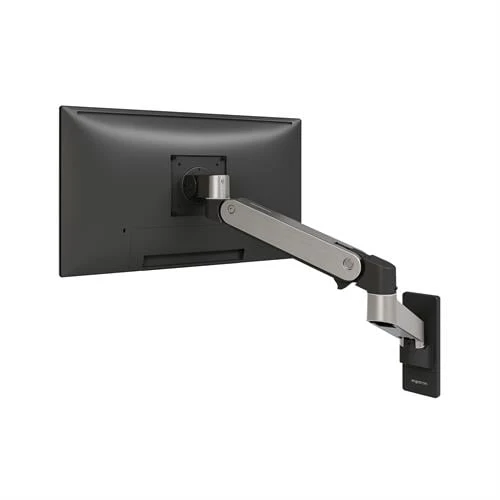
Even a properly sized and highly adjustable chair cannot compensate for every workstation problem. If the desk is too high, the keyboard is too far away, or the monitors are positioned incorrectly, the employee may still lean, reach, or elevate the shoulders.
A complete ergonomic setup considers:
- Chair height and dimensions
- Desk or work-surface height
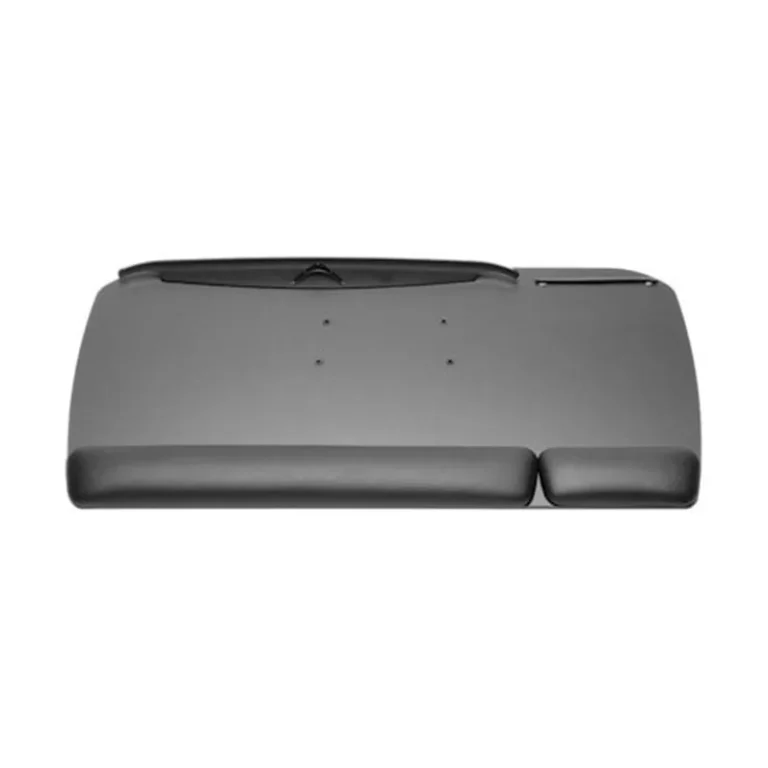
- Keyboard and mouse placement
- Monitor height and viewing distance
- Foot support
- Frequently used tools and materials
- Task duration and repetition
- Opportunities to change position
Active Ergonomics® provides ergonomic solutions for modern offices that account for this complete relationship. Selecting a chair without considering the workstation can replace one problem with another.
“Ergonomic” Is About Fit, Not a Label
A truly ergonomic office chair fits the user, supports the tasks being performed, works with the surrounding workstation, and allows comfortable movement. It should offer meaningful adjustment ranges—not simply a long list of features—and those adjustments must accommodate the person using the chair.
Active Ergonomics® uses insights from more than 8,000 assessments to recommend chairs according to real human dimensions and workplace needs. That data-informed approach helps individuals and organizations move beyond vague marketing claims and make better-informed seating decisions.
Explore ActErgo’s selection of adjustable ergonomic office chairs or contact Active Ergonomics® for help finding a chair that fits the user, the task, and the complete work environment.