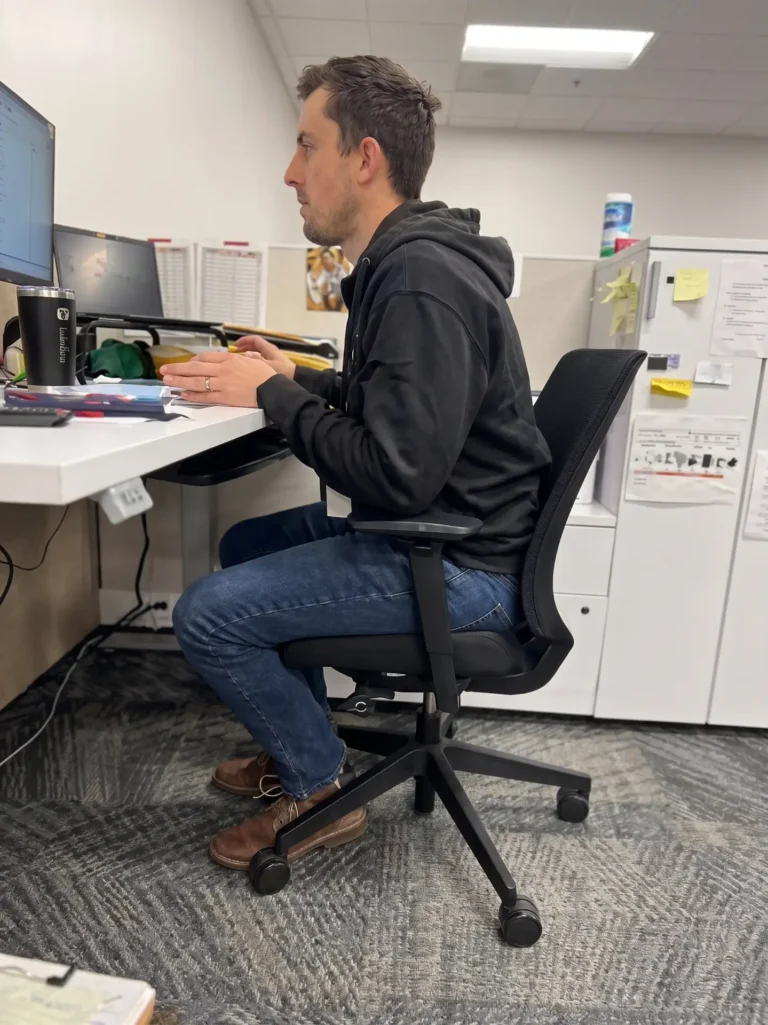
An office chair can have premium materials, adjustable features, and an “ergonomic” label without being the right chair for your body. If its seat is too deep, your feet may not rest comfortably on the floor. If it is too narrow, the seat or armrests may create pressure. If it is too large, the backrest and armrests may not provide support where you need it.
That is why choosing an office chair should involve more than comparing colors, prices, or weight capacities. The chair must fit your physical dimensions, support your work tasks, and function with the rest of your workstation.
Since 1997, Active Ergonomics® has completed more than 8,000 professional ergonomic assessments. That experience has demonstrated that people of the same height do not necessarily fit the same chair. Weight distribution, leg length, torso length, shoulder width, and individual proportions all influence chair fit.
Before purchasing your next office chair, consider the following measurements and features.
Why Body Size Matters When Choosing an Office Chair
Many office chairs are marketed for an “average” user, but real bodies vary significantly. Two people who are both 5 feet 6 inches tall may have different torso lengths, hip widths, leg lengths, and support needs. One chair could fit the first person well while forcing the second into an uncomfortable position.
A properly fitted chair should help you maintain a supported working position without forcing you to reach, perch on the edge of the seat, or hold your body in place. Ideally, you should be able to:
- Rest your feet on the floor or an appropriate footrest
- Sit with your thighs comfortably supported
- Use the backrest without pressure behind your knees
- Keep your shoulders relaxed
- Position your arms close to your body
- Reach your keyboard and mouse without leaning forward
- Change positions throughout the day
Active Ergonomics® offers office chairs sized for different body types, including small or petite, regular, large, XL, and big-and-tall configurations. These categories provide a useful starting point, but individual chair dimensions and adjustment ranges remain important.
Start With Seat Height
The chair’s height range determines whether you can position your lower body comfortably while working. When seated, your feet should be supported rather than dangling, and the chair should not create excessive pressure beneath your thighs.
A chair that does not lower far enough can be difficult for a petite user. The employee may compensate by sitting forward, tucking their feet underneath the seat, or using the chair’s base as a footrest. These positions make it harder to use the backrest and can create unnecessary pressure beneath the thighs.
A chair that does not rise high enough can present a different problem for a taller user. The knees may sit higher than the hips, the thighs may not receive adequate support, and the employee may feel compressed into the seat.
The correct chair height also depends on the desk. Sometimes a person needs to raise the chair to work comfortably at a fixed-height surface. In that situation, a footrest may be necessary to support the feet. The chair cannot be evaluated separately from the keyboard, mouse, monitor, and work surface.
ActErgo’s chair-adjustment resource explains how chair positioning works with the rest of an office workstation.
Check the Seat Depth
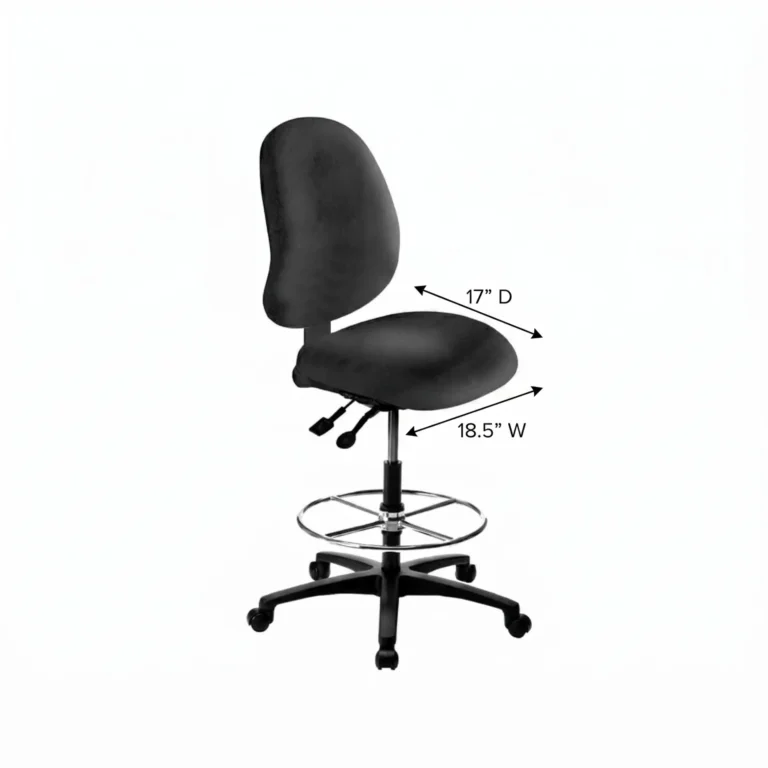
Seat depth is the distance from the front edge of the seat to the backrest. It determines how much of your thighs the chair supports and whether you can sit against the backrest comfortably.
If the seat is too deep, its front edge may press into the area behind your knees. You may respond by sliding forward, which removes support from your lower back. You might also sit with your legs extended or place your feet around the chair base to avoid pressure.
If the seat is too shallow, too little of the thighs may be supported. The chair may feel undersized even if its listed weight capacity is more than sufficient.
When you sit with your back supported, there should generally be a small amount of space between the seat edge and the backs of your knees. The exact amount depends on your proportions and preferences, but the seat should not press into the knees or leave a large portion of the thighs unsupported.
An adjustable seat-depth feature can accommodate a wider range of users. However, the chair’s minimum and maximum seat-depth measurements still need to match the person. An adjustment mechanism is useful only when its range includes the position the user needs.
Measure the Seat Width
Seat width is particularly important for larger users, but it should be considered for every body type. The seat should provide enough room to sit comfortably and make small position changes without feeling compressed.
A seat that is too narrow may place pressure along the hips or thighs. It can also cause the user to sit unevenly or avoid using the backrest. A seat that is unnecessarily wide may position the armrests too far apart, making the user reach outward to use them.
Before choosing a chair, measure across the widest part of the hips and thighs while seated. Compare that measurement with the chair’s usable seat width, not merely the widest point of its exterior. Leave enough room for comfort, clothing, and natural movement.
Do not assume that choosing the widest possible seat is always better. The goal is an appropriate fit, not simply more space. Active Ergonomics® recommends looking at the complete relationship between the seat, armrests, backrest, and user.
Weight Capacity Is Not the Same as Chair Fit
Weight capacity is an important safety and durability specification, but it does not tell you whether a chair will fit your body.
A chair may support 500 pounds and still have the wrong seat depth, seat width, backrest shape, armrest spacing, or height range for a particular person. Likewise, two chairs with identical weight capacities may have very different dimensions.
This is especially important when selecting big-and-tall seating. “Big” and “tall” describe different fit considerations. A taller person may need a deeper seat and greater seat-height range without needing an especially wide chair. A larger person may need additional width and capacity without needing the height ranges designed for someone with long legs.
Instead of shopping according to one label, compare the chair’s actual measurements with the user’s body dimensions.
Evaluate the Backrest and Lumbar Support
A backrest should support the user’s spine while allowing comfortable changes in position. Its height, width, contour, recline mechanism, and lumbar-support placement can all affect how the chair feels.
For a petite user, the lumbar curve on an oversized chair may sit too high. A tall user may find that a short backrest does not provide support in the appropriate area. A narrow backrest may allow freedom of movement for some tasks, while a broader backrest may feel more supportive to other users.
Adjustable lumbar height or backrest height can help align the chair with the user’s torso. Recline tension should also be appropriate for the person’s body weight. If the tension is too firm, a smaller user may have difficulty reclining. If it is too loose, a larger user may feel that the backrest moves too easily.
The objective is not to remain frozen in one “perfect” position. A good chair should provide support while allowing movement and changes in posture throughout the day.
Pay Attention to the Armrests
Armrests are frequently overlooked during chair selection. Yet armrests that are too high, too low, too wide, or too long can interfere with both posture and workstation access.
Armrests that are too high may push the shoulders upward. Armrests that are too low provide little support and may encourage leaning. If they are positioned too far apart, the user must move the arms away from the body to reach them. Fixed armrests may also prevent the chair from moving close enough to the desk.
Look for armrests that adjust in height and width. Pivoting or front-to-back adjustment may also be helpful depending on the employee’s tasks. The user should be able to work with relaxed shoulders and arms positioned comfortably near the body.
Armrests should not become an obstacle between the employee and the work surface. If they prevent the chair from approaching the desk, the employee may lean forward and stop using the backrest entirely.
Consider the Chair in Relation to Your Workstation
Even a correctly sized chair can feel ineffective when it is paired with an incompatible workstation. A desk may be too high, a keyboard may be too far away, or monitors may encourage the user to lean forward.
Before purchasing a chair, consider:
- The height of the work surface
- The location of the keyboard and mouse
- Available space beneath the desk
- The number and position of monitors
- Whether armrests can clear the desk
- Whether the employee frequently reaches for documents or supplies
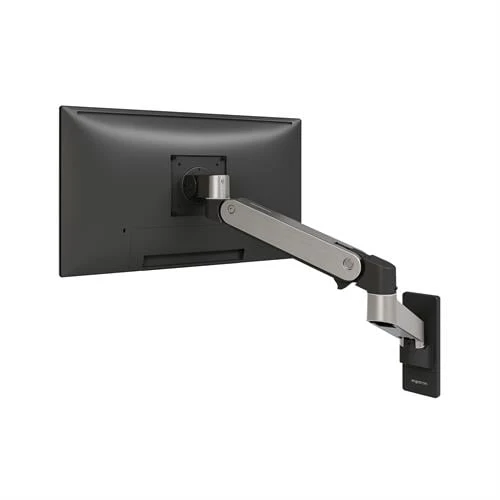
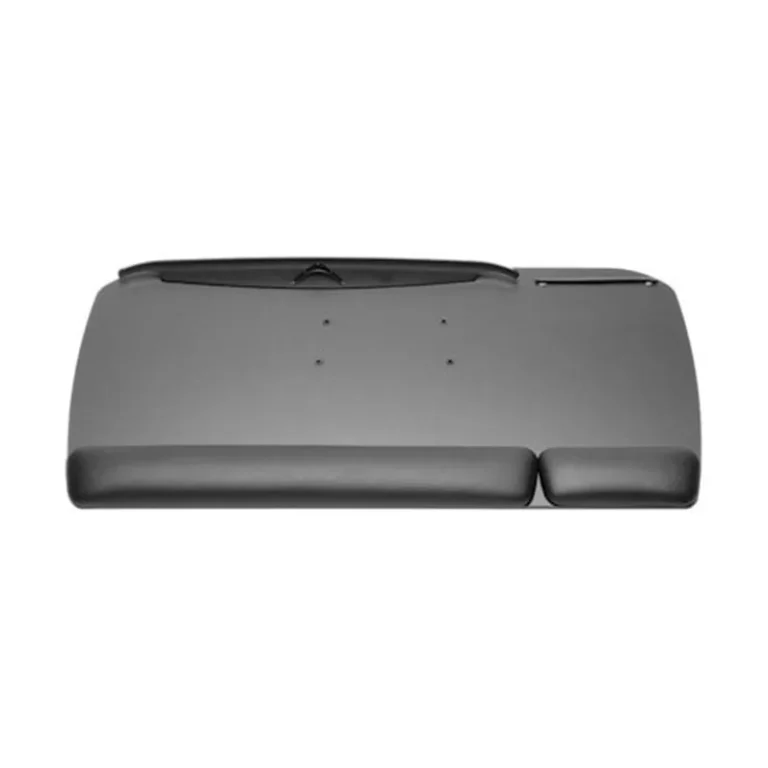
- Whether a footrest or keyboard tray may be needed
- Whether the employee alternates between sitting and standing
Active Ergonomics® provides ergonomic solutions for modern offices that account for the relationship between seating, work surfaces, computer equipment, accessories, and job tasks.
Avoid Common Office Chair Buying Mistakes
One common mistake is choosing a chair based only on height. Height can help narrow the options, but body weight and individual proportions may be more useful for distinguishing between chair sizes.
Another mistake is assuming that more adjustments always guarantee a better fit. Adjustability is valuable, but only when the adjustment ranges match the user. A seat-depth control cannot solve the problem if the shortest setting is still too deep.
Other common mistakes include:
- Buying according to weight capacity alone
- Choosing an oversized chair because it appears more comfortable
- Ignoring minimum and maximum seat-height measurements
- Selecting fixed armrests without checking desk clearance
- Prioritizing appearance over fit and adjustability
- Assuming thick cushioning automatically provides better support
- Failing to consider how the chair works with the desk
- Purchasing one chair model for employees of every size
A chair should also be adjusted after it arrives. Employees may experience poor results simply because they were never shown how to use the available controls. ActErgo’s guidance on proper sitting position can help users understand how the chair should support the rest of the body.
Let Real Ergonomic Data Guide Your Decision
The best office chair is not necessarily the most expensive, largest, or most heavily padded model. It is the chair that fits your body, accommodates your work, integrates with your workstation, and allows you to change positions comfortably.
Active Ergonomics® takes the guesswork out of chair selection by applying insights from more than 8,000 professional assessments. Rather than recommending products according to retail trends, ActErgo evaluates factors such as body size, chair dimensions, task requirements, adjustment ranges, and workstation compatibility.
Explore ergonomic office chairs for different body sizes or contact Active Ergonomics® for guidance selecting a chair that fits the actual person who will use it.