
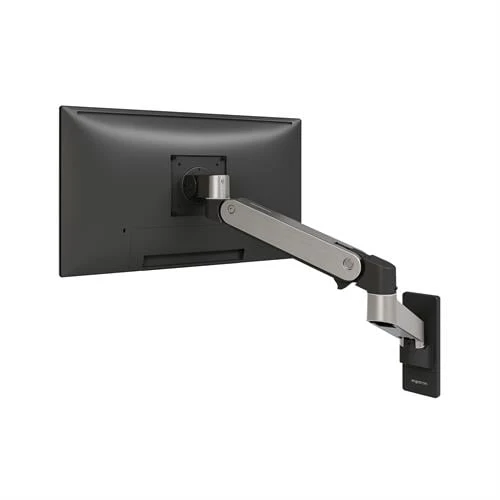
Monitor Arm Compatibility: Single vs. Dual Monitor Arms Explained
Discover the key differences between single and dual monitor arms, including mounting options, weight capacities, and ergonomic benefits.

Shopping for a big and tall office chair involves more than finding a product with a higher weight capacity. A chair can support 500 pounds and still have the wrong seat dimensions, height range, backrest, or armrest spacing for the person who will use it.
The terms “big,” “tall,” “large,” “XL,” and “heavy-duty” are also used differently by different manufacturers. Some chairs focus primarily on weight capacity. Others provide a wider seat, a deeper seat, a taller backrest, or a higher cylinder. Not every feature will be appropriate for every larger or taller user.
Active Ergonomics® has used knowledge from more than 8,000 professional ergonomic assessments to identify chairs for different body sizes and proportions. That experience has shown that a suitable chair must fit the person, support the work being performed, and function with the surrounding desk and equipment.
Before buying a big and tall office chair, compare the following features carefully.
“Big and tall” covers an extremely broad range of people. One user may need a wider seat but a standard seat height. Another may need a taller cylinder and deeper seat but not additional width. Someone else may need both larger dimensions and a higher weight capacity.
A chair should therefore be chosen according to the user’s actual measurements and proportions rather than the product category alone.
Consider the user’s:
Active Ergonomics® offers office chairs in multiple body-size categories, including large, XL, and big-and-tall models. These categories can help narrow the selection, but the individual product specifications still determine whether a chair will fit.
Weight capacity is an important safety and durability specification. The chair should be rated to support the user’s weight with an appropriate margin.
However, weight capacity should not be treated as a complete fit measurement. A high-capacity chair can still have a seat that is too narrow, too deep, or too high. Likewise, two chairs with the same stated capacity may provide very different dimensions and adjustment ranges.
Review the manufacturer’s stated capacity and make sure it applies to the complete chair configuration. Avoid assuming that a chair is appropriate simply because it is advertised as heavy-duty.
The strongest choice combines an adequate capacity with dimensions that match the user. Both factors matter.
The seat should be wide enough to accommodate the user without creating pressure along the hips or outer thighs. It should also provide room for clothing and small posture changes.
When reviewing specifications, look for the usable seat width—not simply the widest exterior point of the chair. Armrest placement can also affect the amount of functional space available.
Measure across the widest part of the user’s hips and thighs while seated. Compare that measurement with the chair’s seat width and the space between its armrests.
A wider seat is not always automatically better. If a chair is much wider than the user needs, the armrests may be positioned too far apart. The employee may then reach outward to use them, which can place the shoulders and arms in less comfortable positions.
The ideal seat provides adequate space without separating the user from the chair’s other support features.
Seat depth is particularly important for tall users, but deeper is not always better.
A taller person with longer upper legs may benefit from a deeper seat that supports more of the thighs. If the seat is too shallow, it may feel undersized and provide insufficient support.
A larger user with shorter legs may need additional width without needing an especially deep seat. If the seat extends too far, its front edge may press behind the knees. The user may respond by sliding forward, which removes support from the backrest.
When the user sits against the backrest, the thighs should be supported without significant pressure behind the knees. There should generally be a small amount of clearance between the seat edge and the backs of the legs.
An adjustable seat-depth mechanism can provide flexibility. Still, buyers should verify both the minimum and maximum depth. A seat slider cannot create an appropriate fit when the entire adjustment range is too long or too short for the user.
Tall employees often need chairs that rise higher than standard seating. A chair that is too low may position the knees above the hips and leave the thighs inadequately supported.
The correct height range depends on the user’s lower-leg length and the height of the work surface. When the chair is positioned for seated work, the feet should rest on the floor or another stable support.
Some big and tall chairs are equipped with a taller cylinder, but that feature is not appropriate for every larger user. A person who needs a wide, high-capacity chair may still require a standard or lower seat-height range.
This distinction is important because “big” and “tall” refer to different needs. Active Ergonomics® recommends reviewing width, depth, height, and capacity as separate specifications rather than assuming one category will address every measurement.
The ActErgo guide to office chair adjustment explains how chair height works with the feet, legs, arm position, and surrounding workstation.
The backrest should fit the user’s torso and provide support in the appropriate areas. A tall user may need a higher backrest, while a broader user may prefer additional width.
Pay attention to:
A backrest can be large but still fit poorly. If the lumbar curve is too high, too low, or excessively pronounced, the user may avoid sitting against it. If the backrest is too narrow, it may not provide the preferred support. If it is unnecessarily wide, it may restrict certain upper-body movements.
Adjustable backrest height or lumbar positioning can help align the chair with different torso lengths. The user should feel supported without being forced into a rigid posture.
Armrests are especially important when selecting larger seating because fixed or narrowly spaced arms can reduce the usable width of the chair.
The armrests should accommodate the user’s body without pressing against the hips or thighs. At the same time, they should not be so far apart that the employee must move the elbows away from the body to reach them.
Useful adjustments can include:
Armrests that are too high can push the shoulders upward. Armrests that are too low may encourage leaning. Long armrests may also prevent the chair from moving close enough to the desk.
A big and tall chair should offer enough armrest range to support both the user’s body width and the workstation.
An office chair should allow the user to change positions throughout the day. Reclining periodically can provide an alternative to constant upright or forward-focused sitting.
On some standard chairs, the recline mechanism may feel too loose or inadequately supportive for a larger user. A big and tall chair should provide controlled movement and tension appropriate for its intended user range.
Check whether the chair offers adjustable recline tension and whether the mechanism feels stable during normal movement. The user should be able to recline smoothly without feeling that the chair is tipping backward or resisting movement excessively.
Locking positions may be useful, but the employee should not remain locked into one posture for the entire day. Active Ergonomics® emphasizes neutral body positioning as a supported starting point—not an immovable pose.
A big and tall chair should have components designed to support its intended capacity and use. The base, lift cylinder, casters, and adjustment mechanism all contribute to stability and function.
The base should provide stable support without becoming unnecessarily difficult to position beneath the workstation. Casters should be appropriate for the flooring and allow the employee to move without excessive pushing, pulling, or twisting.
The lift cylinder should provide the correct height range while maintaining the selected position. If a chair gradually sinks during use, it cannot provide consistent support.
Also consider the chair’s overall footprint. A large base may interfere with desk legs, storage, floor mats, or nearby furniture. Measure the available workspace rather than considering only the seat itself.
Thicker cushioning does not automatically make a chair more supportive. A very soft seat may feel comfortable during a short trial but allow the user to sink over time. This can make repositioning difficult and may reduce stable support.
The seat should distribute pressure while maintaining its shape. Review the foam density, contour, edge design, and overall construction when that information is available.
Upholstery also influences comfort and maintenance. Mesh may offer airflow, while fabric or other upholstered surfaces provide a different feel. The best choice depends on the user’s preferences, environment, and expected duration of use.
For workplaces purchasing multiple chairs, durability, cleaning requirements, replacement parts, and warranty coverage should also be considered.
A correctly sized chair can still create problems if it does not fit the workstation.
Check whether the chair can move close enough to the desk without the armrests or seat colliding with the work surface. Make sure there is adequate clearance for the user’s knees, thighs, and chair base.
The employee should be able to reach the keyboard and mouse without leaning forward. Monitors should remain at a usable distance when the employee sits against the backrest.
If the desk is too high, the chair may need to be raised for comfortable arm positioning. That could require a footrest, even for some taller or larger users. If the desk is too low, the chair and user may not fit beneath it.
Active Ergonomics® provides ergonomic solutions for modern office workstations that account for how chairs, desks, monitor arms, keyboard trays, and accessories function together.
The right chair also depends on how it will be used.
An employee who performs continuous computer work may need different backrest, armrest, and recline features than someone who frequently stands, meets with visitors, handles paperwork, or moves between work areas.
Consider:
The most expensive chair is not necessarily the most suitable. The chair should support the employee’s real work rather than simply offering the longest feature list.
Before purchasing, avoid these common mistakes:
The correct chair should match the person’s dimensions without creating new reaching, pressure, or workstation problems.
A well-designed big and tall office chair should provide appropriate capacity, seat dimensions, height range, back support, armrest spacing, movement, and durability. Most importantly, those features must match the specific person using the chair.
Active Ergonomics® uses decades of real-world ergonomic data to offer seating for different body sizes rather than treating “big and tall” as one universal category. Explore ActErgo’s ergonomic office chair selection or contact Active Ergonomics® for product guidance based on the user’s measurements, tasks, and workstation.
Discover the key differences between single and dual monitor arms, including mounting options, weight capacities, and ergonomic benefits.
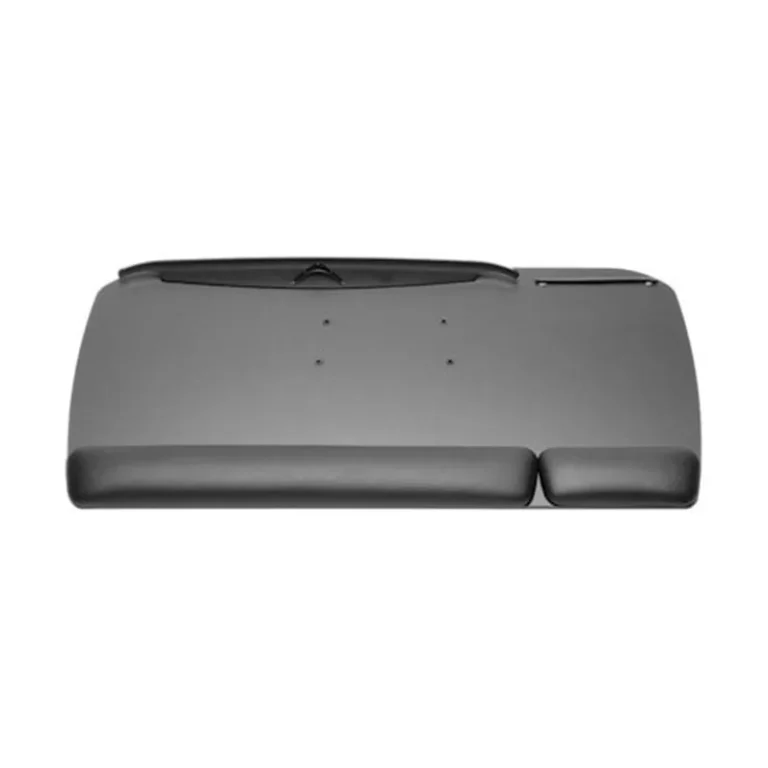
Discover the benefits of adjustable keyboard trays and how they can enhance ergonomic posture and reduce strain in office workstations.
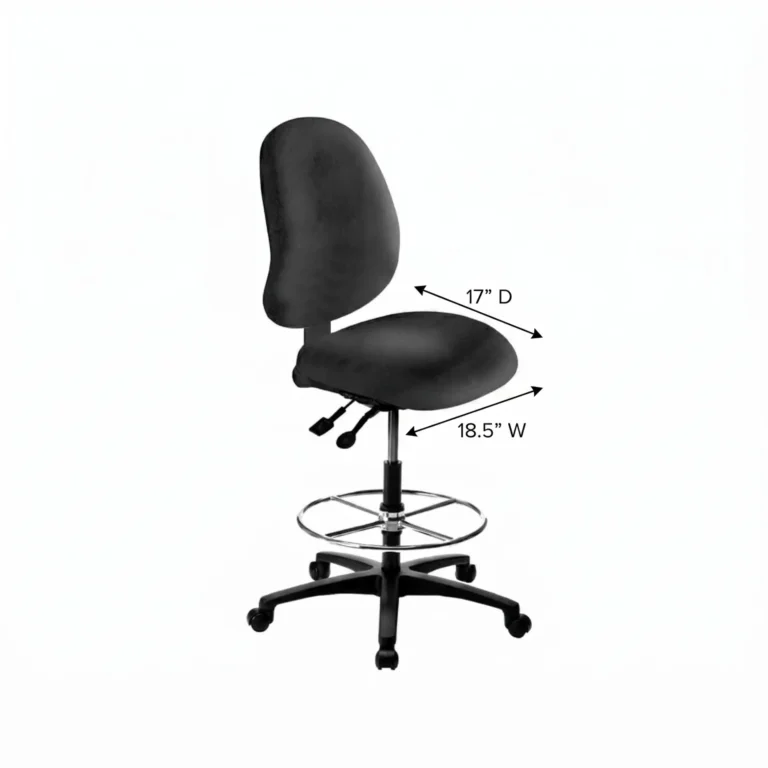
Discover how to choose the right lab stool with considerations for height, footring, and backrest to enhance comfort and productivity in your lab.
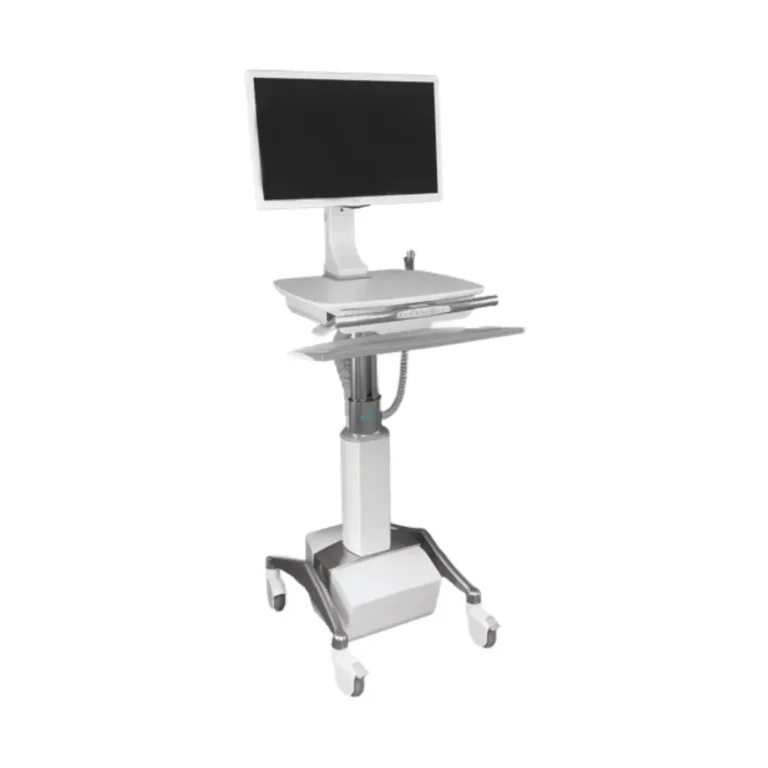
Discover how modular ergonomic furniture adapts office layouts for flexibility and hygiene, promoting social distancing and clean environments.

Choosing the right cleanroom furniture materials is essential for hygiene and compliance. Learn how material properties affect cleanroom efficiency.

The word “ergonomic” appears on countless office chairs, from inexpensive