
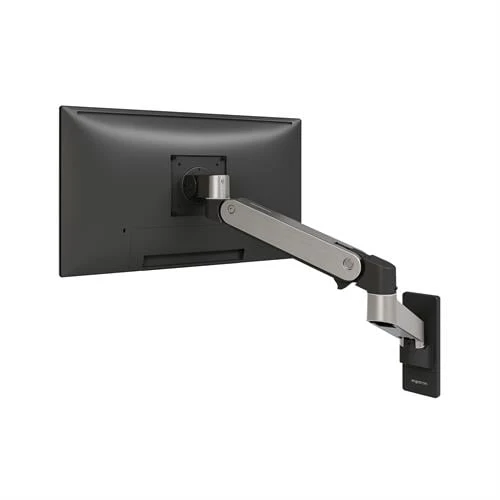
Monitor Arm Compatibility: Single vs. Dual Monitor Arms Explained
Discover the key differences between single and dual monitor arms, including mounting options, weight capacities, and ergonomic benefits.
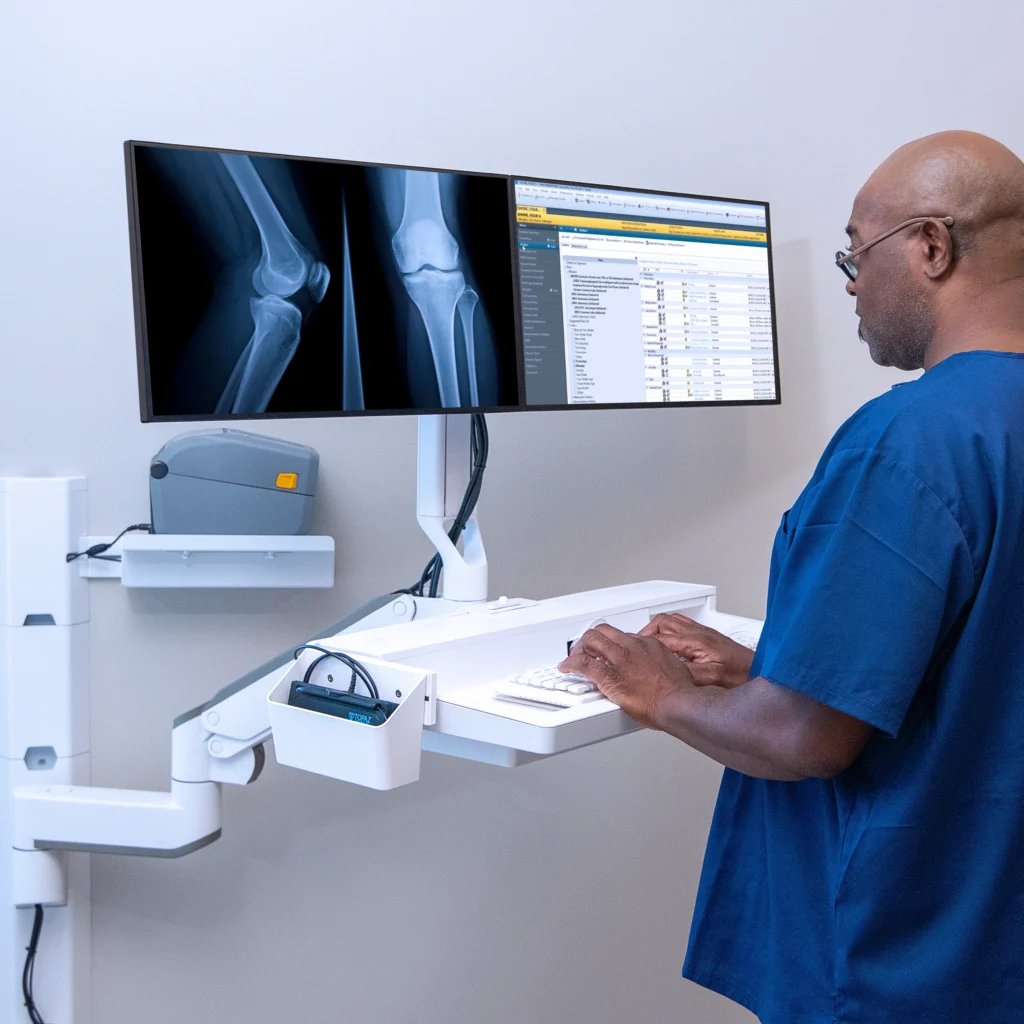
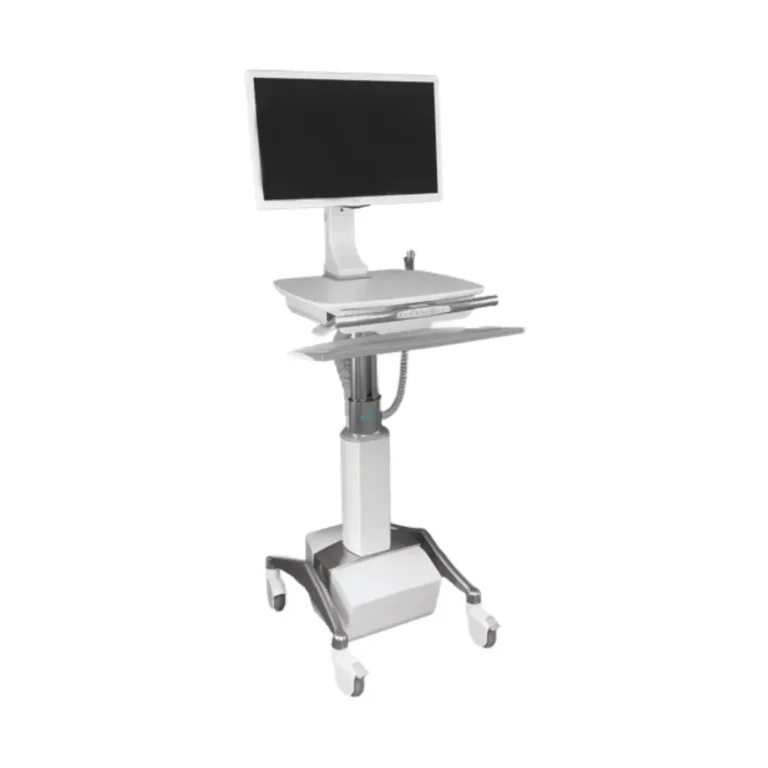
A computer cart can make documentation and digital tools available wherever clinicians need them. However, a cart that looks practical in a product photo may become difficult to maneuver, adjust, clean, charge, or position once it enters a busy clinical environment.
Healthcare facilities must consider more than screen size and storage capacity. A computer cart should support the clinical workflow, accommodate different users, fit through the available spaces, carry the necessary technology, and tolerate the facility’s cleaning procedures. It must also remain stable and manageable while moving between patient rooms, nursing stations, hallways, and treatment areas.
Active Ergonomics® provides healthcare carts and workstation solutions selected around real working conditions. Drawing on more than 8,000 professional ergonomic assessments completed since 1997, ActErgo helps organizations evaluate how technology, equipment, user dimensions, and clinical responsibilities interact.
Before choosing a healthcare computer cart, use the following considerations to find a model that fits your staff and environment.
The right computer cart depends on how and where it will be used. A cart for brief bedside documentation may need different features than one used for medication-related tasks, phlebotomy, telehealth, or extended charting.
Begin by identifying the cart’s primary purpose:
A facility should select the cart for the actual workflow rather than trying to adapt clinical processes to a product after purchase.
Active Ergonomics® offers healthcare ergonomic and equipment solutions for clinical settings where mobility, shared use, space, and technology placement all matter.
One of the first product decisions is whether the computer cart needs an integrated power system.
A powered medical cart can support a computer and other compatible equipment when reliable access to wall outlets is not available. This may be useful for mobile bedside workflows or departments where the cart must remain operational while moving between rooms.
Powered carts introduce additional considerations, including:
The facility should estimate power needs based on the complete technology configuration rather than the computer alone.
A non-powered cart may be more appropriate when employees use a laptop with its own battery, the cart remains near outlets, or the workflow does not require continuous power. Non-powered models are often lighter and may be easier to move, store, and maintain.
ActErgo’s healthcare computer cart collection includes powered medical carts, non-powered laptop carts, mobile sit-stand workstations, and compact cart configurations for different clinical uses.
Healthcare computer carts are frequently shared by clinicians of different heights. A fixed-height work surface may fit one person while forcing another to bend forward, raise the shoulders, or reach upward.
An adjustable cart should provide a usable range for the expected employee population. Look beyond whether the cart is described as height-adjustable and review its minimum and maximum working heights.
The height should support the intended input device. If the keyboard is placed directly on the work surface, that surface must reach an appropriate position for the user’s arms. If the cart includes a separate keyboard tray, evaluate the height of that component independently from the monitor or work surface.
For standing use, employees should be able to approach the cart and work without elevating the shoulders. For seated use, the cart must lower sufficiently and provide enough leg clearance.
Adjustment should also be quick and intuitive. In a shared clinical setting, staff members may not use a feature if changing it is slow, confusing, or physically difficult.
The cart needs enough usable space for the intended tasks without becoming unnecessarily large.
A small work surface may be appropriate for basic laptop use, but it might not provide enough room for a scanner, notes, reference materials, or frequently used supplies. A large surface provides more room but increases the cart’s overall footprint.
Consider:
The work surface should allow commonly used items to remain within comfortable reach. If staff must stretch across the cart or repeatedly turn toward supplies stored elsewhere, the cart may interrupt rather than support the workflow.
Rounded or kidney-shaped work surfaces may allow users to approach the cart differently than rectangular surfaces. The best shape depends on the room, equipment configuration, and tasks.
Some computer carts are designed around laptops, while others support monitors, small computers, CPUs, or multiple technology components.
For a laptop cart, confirm that the platform can accommodate the device and any docking equipment. Consider whether the screen will be at a usable viewing height when the keyboard is positioned comfortably. Because a laptop connects the screen and keyboard, optimizing one can make the other less effective.
A monitor-based workstation may provide greater flexibility because the screen and input devices can be positioned separately. However, the cart must support the combined equipment weight and provide secure mounting.
When reviewing the configuration, consider:
Active Ergonomics® also offers healthcare monitor arms and wall-mounted workstations when a mobile cart is not the best fit for the room or workflow.
A clinical computer cart should move where it is needed without requiring excessive force or constant correction. Wheels that perform well on one flooring surface may behave differently on another.
Before selecting a cart, consider the flooring and transitions throughout the intended route. The cart may need to cross thresholds, elevator gaps, carpeted areas, tile, or other surfaces.
Important mobility features include:
Test or evaluate the cart based on its fully equipped weight, not just its empty shipping weight. A cart that moves easily without technology or supplies may feel very different after it has been configured.
Handle height and placement also matter. Staff should be able to push the cart while maintaining control and seeing the path ahead. Equipment should not obstruct visibility during movement.
Busy clinical environments often have limited floor space. Patient rooms, exam rooms, hallways, and nursing stations may already contain beds, seating, equipment, storage, and other mobile devices.
Measure the narrowest doorways and most restricted spaces the cart must enter. Consider both the base and the work surface because either may determine whether the cart fits.
A wide base may provide stability but make maneuvering more difficult. A narrow cart may move easily through tight spaces but offer less work area or storage. The selected design should balance stability, usability, and spatial requirements.
The facility should also identify where the cart will be parked. A cart without a designated storage or charging location may become an obstacle in a hallway or work area.
The cart must remain stable while staff type, adjust the height, move the screen, or access stored items. Its stability should be evaluated at both the lowest and highest positions.
A tall workstation with a monitor, battery, accessories, and supplies has a different center of gravity than an empty cart. Accessories should be installed only in configurations supported by the product.
Look for:
Staff should also understand how to move the cart safely. A cart may need to be lowered before transport, depending on its design and the facility’s procedures.
Healthcare equipment must be compatible with the facility’s cleaning and infection-control practices. Materials, seams, controls, wheels, handles, work surfaces, and mounted accessories can all affect how easily the cart can be cleaned.
Ask:
Do not assume that every cart described as medical or healthcare equipment is compatible with every disinfectant or facility protocol. Confirm material and cleaning requirements with the manufacturer and the appropriate internal department.
Storage can make a cart more useful, but more storage is not always better. Drawers, bins, and attachments add weight and increase the cart’s dimensions.
Define exactly what the cart needs to carry. Separate essential supplies from items that could remain in fixed storage. Frequently used materials should be accessible without requiring awkward reaching, while sensitive supplies may require secure compartments.
Also consider whether the cart’s purpose may change. A general documentation cart should not gradually become overloaded with equipment and supplies for which it was not designed.
If the workflow requires substantial storage, a specialty cart may be more appropriate than adding accessories to a lightweight computer workstation.
In many clinical settings, one cart may be used by numerous employees during a shift. Adjustability and ease of use become especially important.
Employees should be able to change the cart’s height and screen position quickly. Frequently used controls should be visible and intuitive. If adjustments require tools or several complicated steps, the cart may remain in the previous user’s configuration.
A shared cart should accommodate a useful range of employee heights and tasks. Accessories should not occupy the space needed by certain users, and cables should remain organized after repeated adjustment.
Brief employee training can help ensure the cart’s features are actually used. Even a well-designed workstation provides limited benefit when staff do not know how to adjust it.
A lightweight cart may be easy to move but lack the stability or equipment capacity the workflow requires. A large powered cart may support extensive technology but be difficult to maneuver through small rooms. A highly adjustable cart may still be unsuitable if its surfaces cannot tolerate the facility’s cleaning products.
Avoid selecting a cart based only on:
The best choice balances all relevant factors. Product specifications should be considered within the context of staff, equipment, space, cleaning, and clinical responsibilities.
The right computer cart should make clinical technology easier to access without creating unnecessary movement, clutter, or positioning challenges. It should fit the workflow, accommodate shared users, carry the required equipment, move through the facility, and support applicable cleaning procedures.
Active Ergonomics® offers powered and non-powered healthcare carts, mobile sit-stand workstations, laptop carts, and other configurations for different clinical environments. Explore ActErgo’s healthcare computer carts or contact Active Ergonomics® for product guidance based on your technology, employees, and clinical workflow.
Discover the key differences between single and dual monitor arms, including mounting options, weight capacities, and ergonomic benefits.
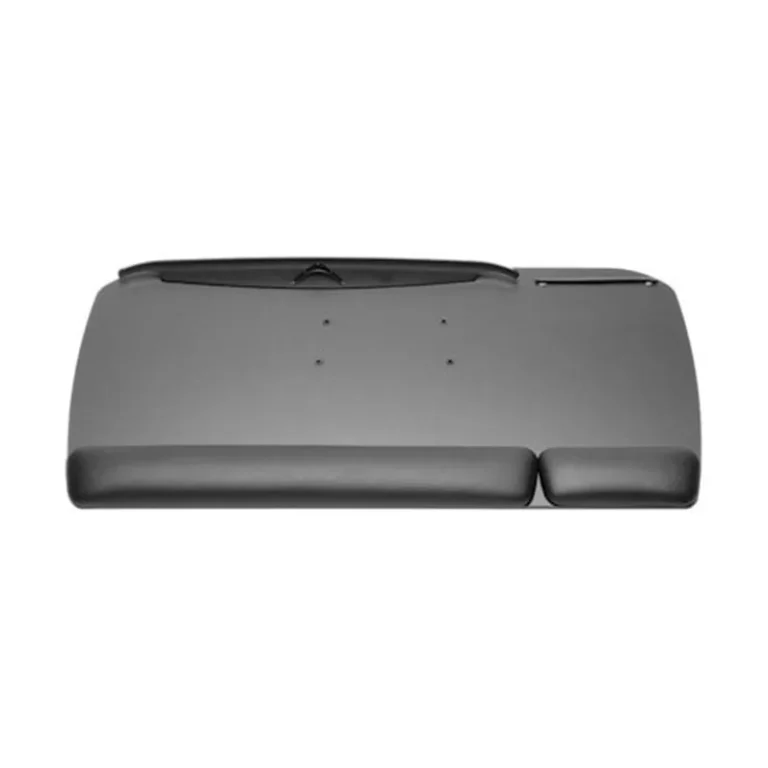
Discover the benefits of adjustable keyboard trays and how they can enhance ergonomic posture and reduce strain in office workstations.
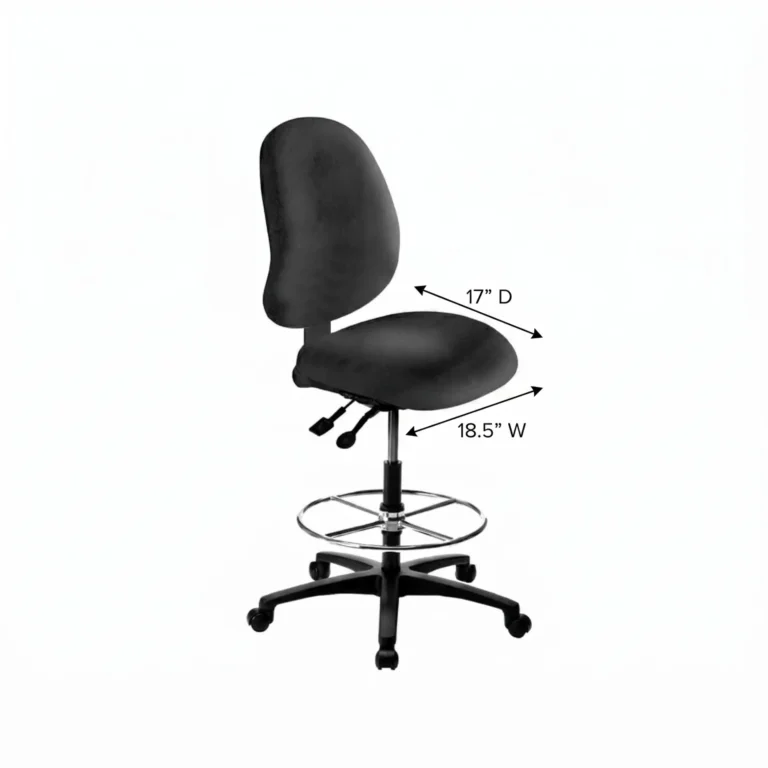
Discover how to choose the right lab stool with considerations for height, footring, and backrest to enhance comfort and productivity in your lab.
Discover how modular ergonomic furniture adapts office layouts for flexibility and hygiene, promoting social distancing and clean environments.

Choosing the right cleanroom furniture materials is essential for hygiene and compliance. Learn how material properties affect cleanroom efficiency.
The word “ergonomic” appears on countless office chairs, from inexpensive