A footrest can look like a minor office accessory, but in the right situation, it can correct an important mismatch between an employee and their workstation. If your feet do not rest comfortably on the floor after your chair has been adjusted to the correct working height, a footrest may help create the stable support your lower body needs.
However, not everyone needs one. A footrest is most useful when it solves a specific workstation problem. It should not be added automatically or used to compensate for every type of discomfort.
Since 1997, Active Ergonomics® has completed more than 8,000 professional assessments. That experience has shown that workstation discomfort often develops because the chair, desk, and computer equipment do not fit together properly. A footrest may be part of the solution, but the complete setup should be evaluated before deciding what needs to change.
Here are the most common signs that a footrest may be appropriate—and what those signs reveal about your workstation.
Why Foot Support Matters
When you sit at a desk, your feet provide part of the foundation for your working posture. Ideally, they should rest securely on the floor or another stable surface. Your legs should feel supported, and the front edge of the chair should not create excessive pressure beneath your thighs or behind your knees.
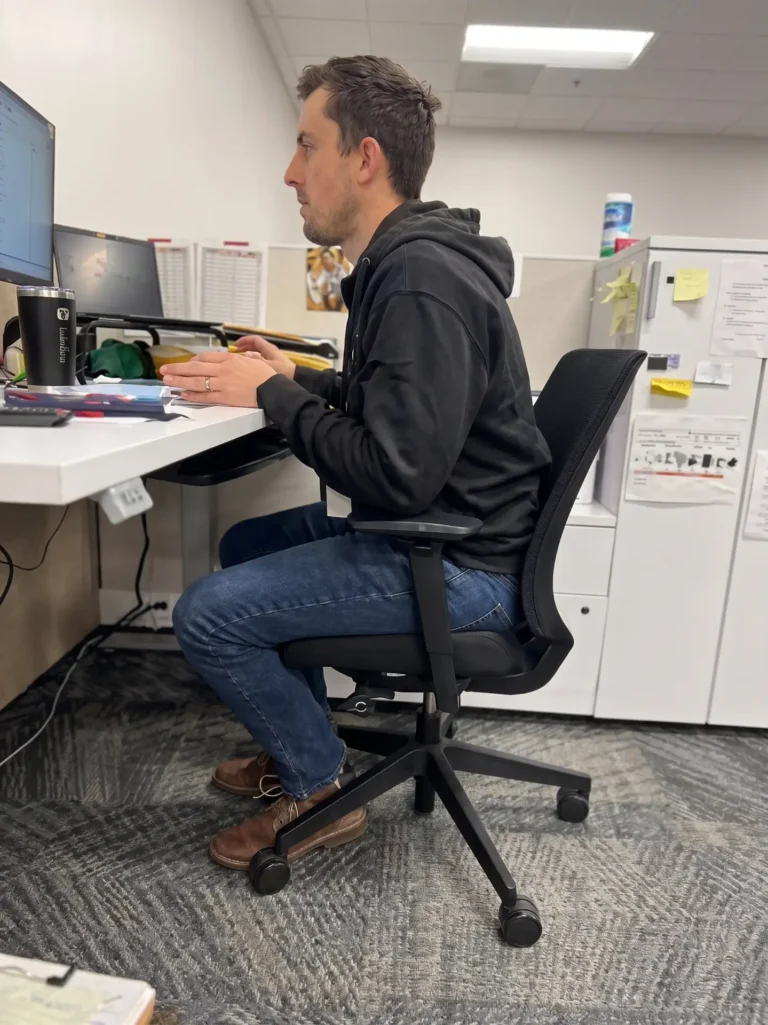
Without stable foot support, your body may begin searching for another source of stability. You might tuck your feet beneath the chair, wrap them around the chair base, rest them on the casters, cross your legs for long periods, or slide toward the front of the seat.
These positions are not necessarily harmful when used briefly. The problem develops when they become the only comfortable options available because the workstation does not fit.
Active Ergonomics® evaluates foot support as part of the complete seated position. The objective is not to force the body into one rigid pose. It is to provide a supported starting position from which the employee can move comfortably throughout the day.
Sign #1: Your Feet Dangle From the Chair
Dangling feet are one of the clearest signs that a footrest may be needed. This often occurs when a shorter employee raises the chair to reach a fixed-height desk, keyboard, or mouse.
Lowering the chair might allow the feet to reach the floor, but it can also make the work surface too high. The employee may then raise the shoulders, reach upward, or bend the wrists while typing.
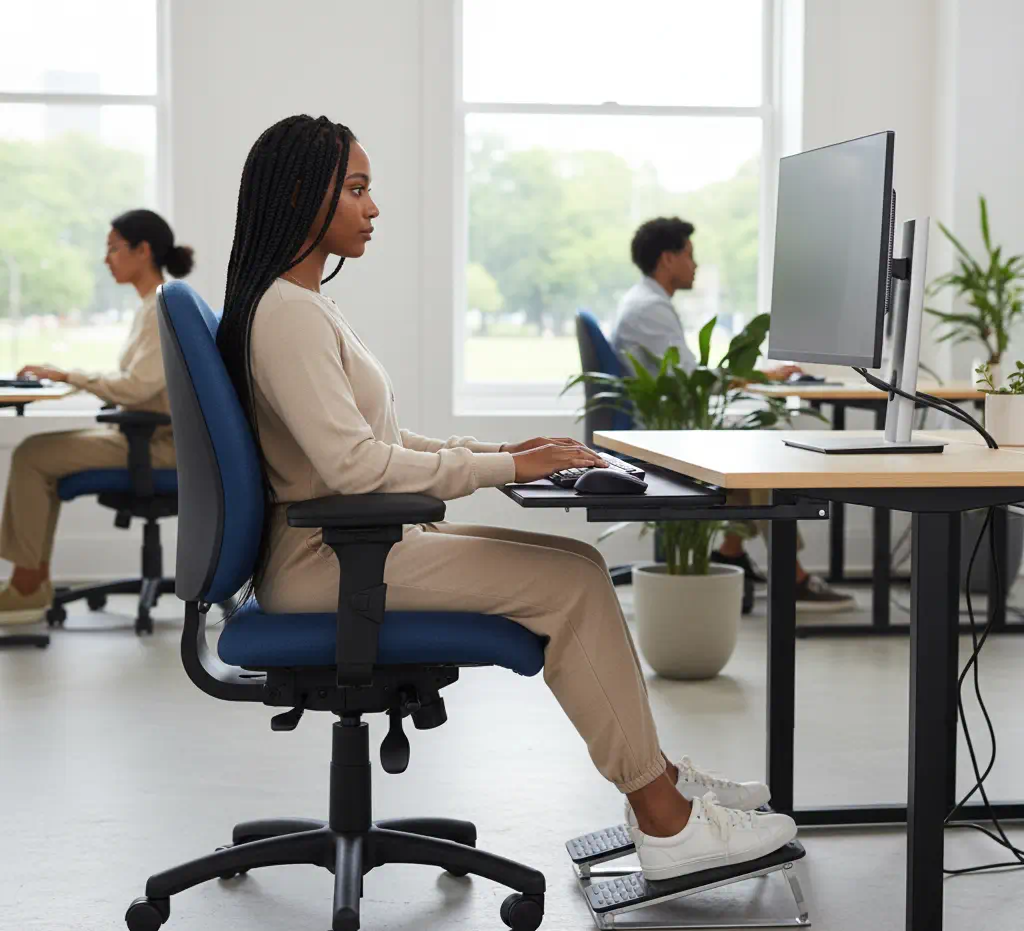
In this situation, placing the chair at the appropriate working height and adding a footrest can resolve the conflict. The employee can position the arms more comfortably while still supporting the feet and lower legs.
This is an important example of why chair adjustment cannot be based on the feet alone. The chair, desk, keyboard, mouse, and foot support must work together. Active Ergonomics® explains several of these relationships in its office chair adjustment guidance.
Sign #2: You Rest Your Feet on the Chair Base
If you frequently place your feet on the chair base or casters, you may be trying to create the support that the floor does not provide.
The chair base was not designed to function as a stable footrest. Its shape typically limits where you can place your feet and may hold your legs in an awkward or uneven position. Because the chair can roll or rotate, the base may also be less stable than a properly positioned foot platform.
Pay attention to whether this habit happens occasionally or throughout most of the workday. Repeatedly searching for somewhere to place your feet may indicate that the chair is too high for your lower legs or has been raised to accommodate an elevated work surface.
A footrest with an appropriately sized, stable platform may provide a more consistent alternative.
Sign #3: You Sit on the Front Edge of Your Chair
Sitting forward can happen for several reasons. Your seat may be too deep, your monitors may be too far away, or your keyboard and mouse may be difficult to reach. Lack of foot support can also contribute.
When your feet cannot reach a stable surface, you may slide forward until they touch the floor. This movement creates support for the feet but separates your back from the backrest. The chair’s lumbar support can no longer function as intended, and the upper body may need to work harder to maintain the position.
A footrest may allow you to sit farther back while keeping your feet supported. However, it will not correct a seat that is too deep. If you still cannot use the backrest without the seat pressing behind your knees, the chair itself may be the wrong size.
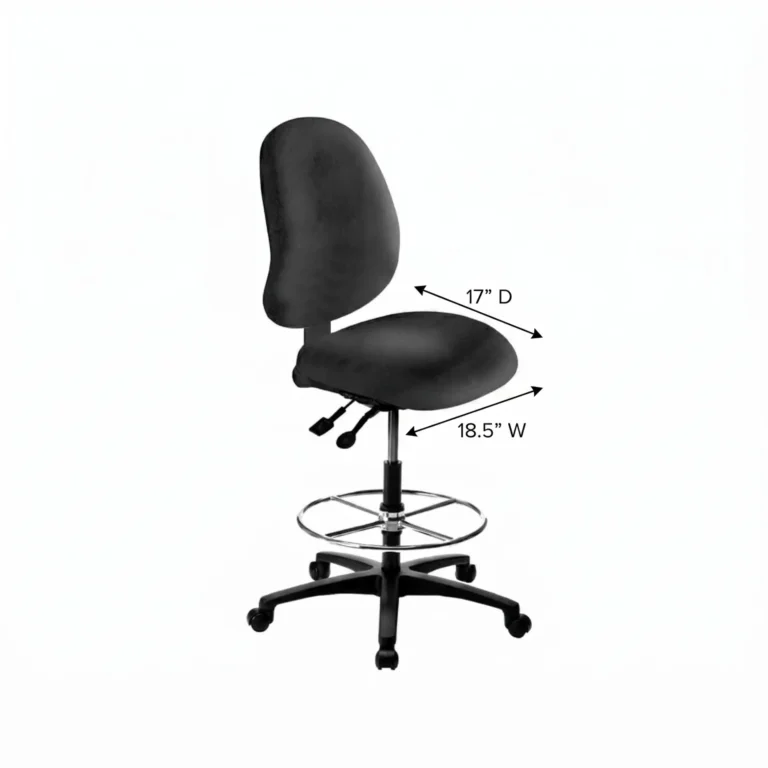
Active Ergonomics® offers office chairs for multiple body types, including small or petite seating with dimensions intended for shorter users. In some cases, a better-fitting chair is more appropriate than adding an accessory to an oversized one.
Sign #4: You Feel Pressure Beneath Your Thighs
Pressure beneath the thighs can occur when the feet are unsupported and the front edge of the seat bears too much of the lower body’s weight. It may also happen when the chair is positioned too high or the seat pan does not fit the user.
A footrest can support the feet and redistribute some of that pressure. Its height should allow the legs to rest comfortably without pushing the knees excessively upward.
Before assuming a footrest will solve the problem, check the seat depth and seat-edge design. A seat that extends too far toward the backs of the knees may continue creating pressure even after the feet are supported. Similarly, a chair with an unsuitable seat-height range may need to be replaced rather than repeatedly adapted.
This is why Active Ergonomics® considers footrests within a larger assessment of body size, chair fit, and workstation height.
Sign #5: You Frequently Cross or Tuck Your Legs
Crossing your legs occasionally is a normal posture change. Tucking one foot beneath the body or shifting between positions can also provide temporary variety.
However, if you feel unable to sit comfortably without crossing or tucking your legs, your workstation may lack adequate foot support. These habits can become substitutes for a stable base.
Notice what happens when you try to place both feet on the floor. Do your feet reach comfortably? Does the chair feel too high? Do you slide forward? Does the desk then feel too tall or too low? The answers can help identify whether the issue involves foot support, chair sizing, desk height, or a combination of factors.
A footrest should create another comfortable position, not eliminate movement. Even with an effective setup, employees should continue changing positions throughout the day.
Sign #6: Your Desk Is Too High for You
Many standard desks have a fixed height. For some users, particularly petite employees, that surface may be too high for comfortable keyboard and mouse use when the chair is low enough for the feet to remain on the floor.
Raising the chair can bring the employee closer to the work surface, but it often causes the feet to lose contact with the floor. A footrest can bridge that gap.
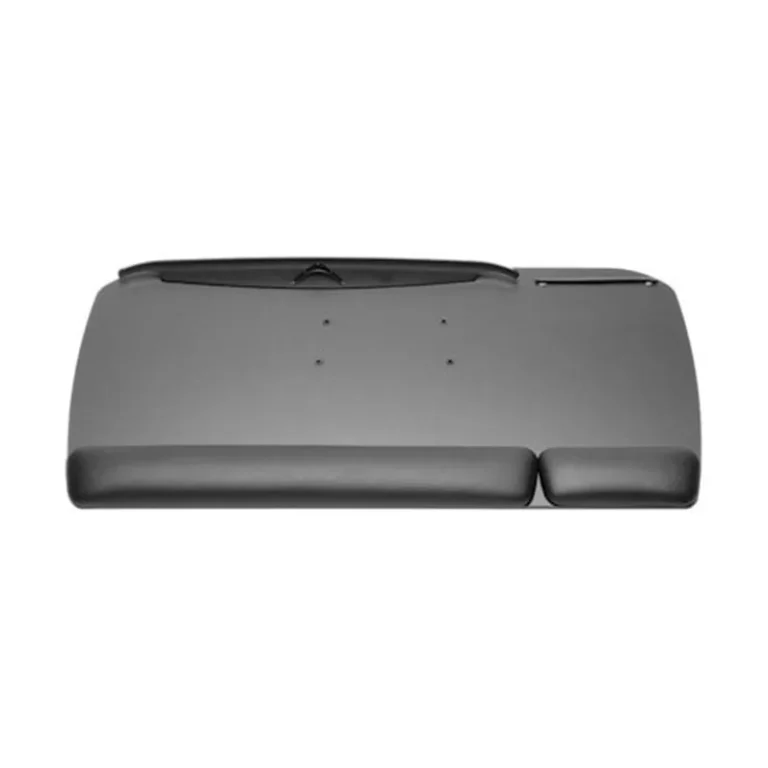
Another possible solution is a properly configured keyboard tray, which may allow the keyboard and mouse to be positioned lower. The best choice depends on the desk, available space, employee’s body dimensions, and tasks.
A footrest addresses lower-body support. It does not lower the desk or correct an excessively high keyboard by itself. For that reason, the employee’s arm and wrist positions should still be evaluated after the footrest is added.
Sign #7: More Than One Person Uses the Workstation
Shared workstations present a common ergonomic challenge. A chair and desk may fit one employee but not another, especially when users vary significantly in height and body size.
A footrest can make a shared workstation more adaptable for shorter users. It can be moved or adjusted when needed without permanently changing the station for everyone else.
Healthcare workstations, reception areas, hot-desking offices, training rooms, and multi-shift workplaces may all benefit from this type of flexibility. However, employees should also know how to adjust the chair and other equipment when beginning a shift.
Providing adjustable equipment without education can result in employees using the previous person’s setup. Active Ergonomics® helps organizations develop ergonomic solutions for modern offices that accommodate different employees, tasks, and working arrangements.
What Features Should an Ergonomic Footrest Have?
The right features depend on the user and workstation, but a footrest should provide stable and usable support. Important considerations may include:
- An appropriate height or adjustable height range
- A platform large enough for both feet
- A surface that helps prevent the feet from slipping
- A stable base that remains in position
- An angle that supports comfortable ankle positioning
- Enough space to change foot position
- Materials appropriate for the work environment
Some users prefer a fixed angle, while others benefit from a tilting or rocking surface that encourages lower-leg movement. Movement can be useful, but the footrest should not feel unstable or require constant muscular effort to control.
The platform should also fit beneath the desk without interfering with the chair base, storage, cables, or other equipment.
ActErgo offers office accessories and ergonomic workstation solutions selected to address practical fit and positioning needs.
When a Footrest Is Not the Complete Solution
A footrest can improve lower-body support, but it cannot correct every workstation mismatch. It may not be the complete solution if:
- The chair seat is too deep or narrow
- The backrest does not fit the user
- The desk prevents adequate leg clearance
- The keyboard and mouse remain too high or distant
- The monitor encourages forward leaning
- The chair cannot approach the desk
- The employee’s tasks require frequent twisting or reaching
- The footrest is being used to compensate for an incorrectly adjusted chair
Adding accessories one at a time without identifying the underlying problem can make a workstation more complicated without making it more ergonomic.
If discomfort continues after basic adjustments, an individual ergonomic assessment can help determine which part of the setup is contributing to the problem. Persistent pain, numbness, weakness, or other concerning symptoms should also be discussed with an appropriate healthcare professional.
Build a Workstation That Fits From the Floor Up
You may need a footrest if your feet dangle, you regularly use the chair base for support, or you must raise your chair to work comfortably at a fixed-height desk. A footrest may also help petite employees and people working at shared stations maintain a more stable seated position.
The decision should still be based on the complete workstation. Active Ergonomics® draws on more than 8,000 assessments to evaluate how the chair, foot support, desk, equipment, tasks, and employee work together.
Explore ActErgo’s ergonomic office accessories or contact Active Ergonomics® for help identifying a solution that fits your body and your workstation.